
Argus
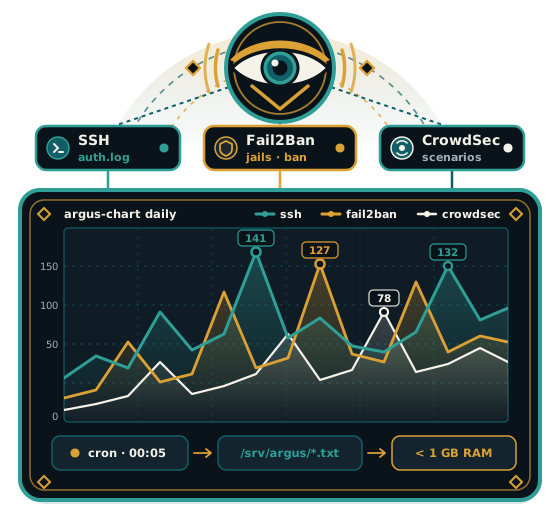
No permanent service, no database, suited to machines with less than 1 GB of RAM. Argus counts attacks against your servers, SSH by itself and the bans of Fail2Ban and CrowdSec when they are installed, and keeps the history as charts. A cron job works once a night, writes plain text files and draws the images; no process stays up.
- Version 1.0.0
- MIT license
What it counts
Argus reads the SSH authentication logs, and, when the tools are present, the bans of Fail2Ban and the alerts of CrowdSec. An attack is a source address that reaches a minimum number of failed authentication attempts in one day, 5 by default, so one mistyped password does not count.
The series stay separate. SSH, each Fail2Ban jail and each CrowdSec scenario keep their own line and their own colour, and Argus never adds them into a single score.
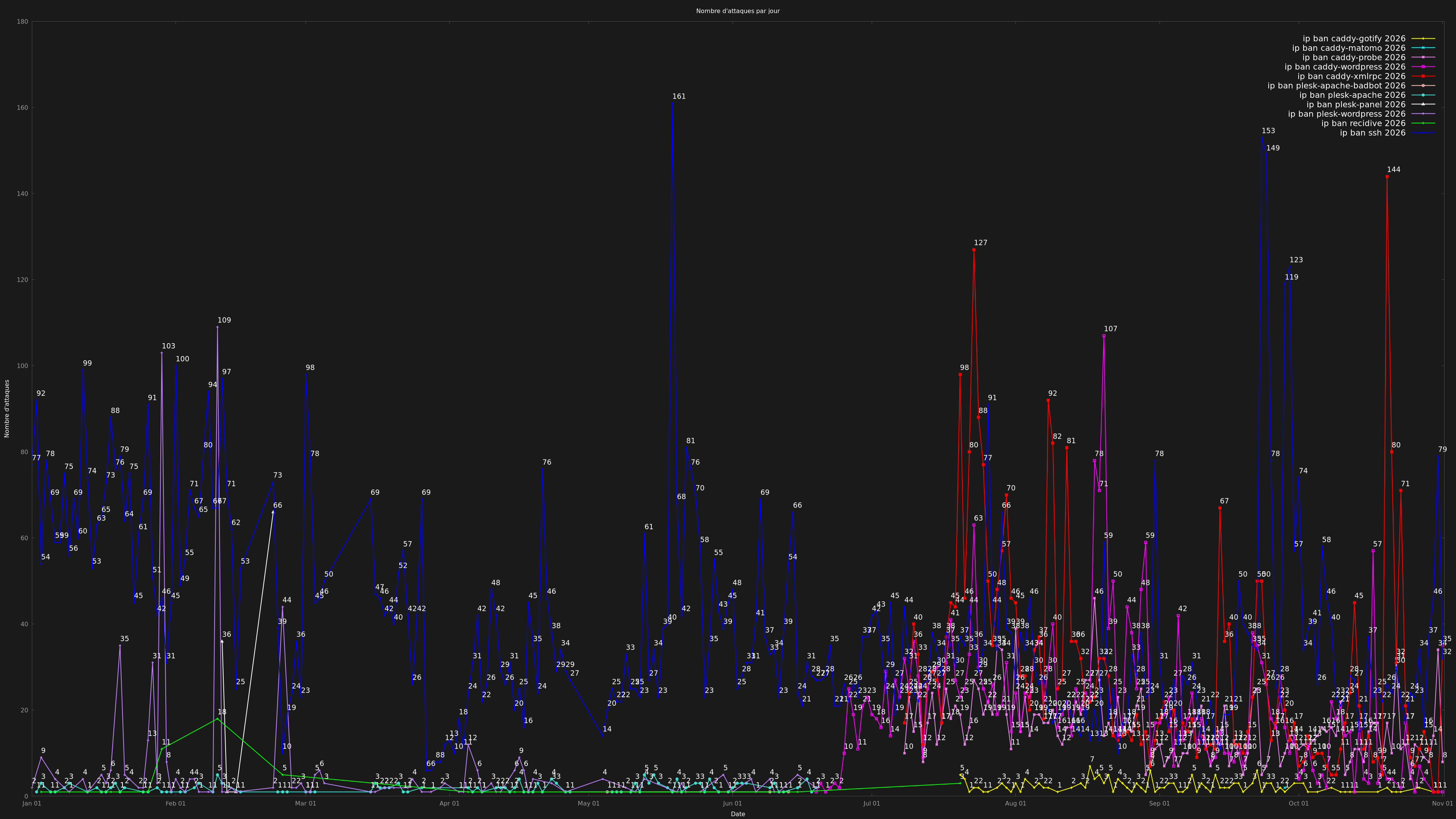
Three views, one command
argus-chart draws the view of a window you choose. daily gives the history of a year, one point per day. period counts each series over a day, an ISO week, a month, a quarter, a year or a date range. hourly counts each series at each hour of the day over the same windows. The Charts page gives real commands and explains how to read the hour.
Install on the server, read on the desk
The package goes on the server whose logs Argus reads. Your own computer installs nothing of it and receives the images with argus-fetch. This is the reverse of the usual order, and the Installation and Desk pages give the two steps.
A periodic snapshot, not a live service
Grafana is a continuous view of an infrastructure: a service that runs all the time and can be queried live. Argus is a periodic snapshot: one image per night, read when you want. Grafana can also aggregate by week or by year; the difference is the price of a permanent service, a time-series database and a dashboard to build, against one cron job and flat text files. The How it works page follows one night of collection and rendering.
Where to go next
- Installation
Install the Argus package on a Debian or Ubuntu server, know what it writes, and check the first night of collection.
- Desk
Declare your servers and copy their charts to your computer with argus-fetch, one connection per host and no retry.
- Charts
The daily, period and hourly views, three commands to copy, and the difference between the hour of observation and the hour of the attack.
- How it works
One cron job collects, flat text files keep the counts, a second job draws the charts, and no daemon stays running.
- Compatibility
What the Argus package needs on a Debian or Ubuntu server, what is optional, and what the documentation does not cover.